
How to Search St. Joseph County Court Records
The main tool is Indiana MyCase, the statewide case search run by the Indiana judicial branch. It draws on the Odyssey case management system that the St. Joseph Circuit, Superior, and Probate Courts use. Basic searching is free. Not every document image is posted, and confidential cases are kept off remote access, but case-level data for most public cases is there.
Have your details ready first. A case number is the cleanest match. A full name plus a date of birth works when you do not have the number. Set the county to St. Joseph so a common name does not pull statewide noise.
- Open Indiana MyCase and choose a search mode.
- Enter a case number, or a last and first name, or a citation number.
- Set the county to St. Joseph and add a court or case-type filter.
- Run the search and read the result rows.
- Open the case detail, then ask the Clerk for a certified copy if you need one.
The Odyssey system behind MyCase is documented by the state. You can read about it on the Indiana Odyssey case management page.
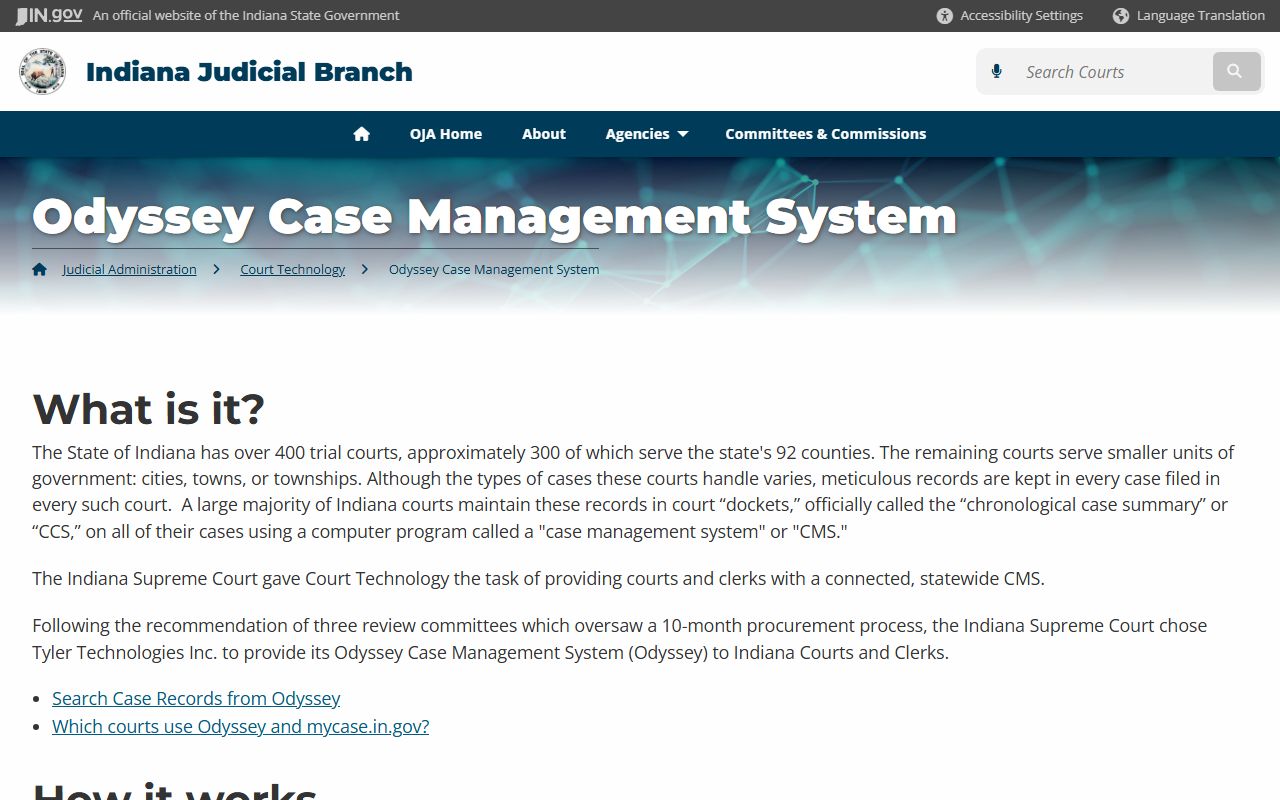
That shared system is why a St. Joseph County case looks the same in MyCase as a case from any other Indiana county.
A few habits make the search work better. Use the exact case number when you have it, because it skips false matches. For a common name, add St. Joseph County plus a date of birth or a filing-date range. For a traffic ticket, try both MyCase and the state online payment portal, since a ticket may post in either. And for confidential family, juvenile, or protective-order matters, expect to see little or nothing online.
St. Joseph County Court Records Search Fields
MyCase offers more than a single search box. Each field narrows the result set in a different way. The case number field gives an exact hit. Name fields handle people and businesses. The county and court dropdowns matter most in a statewide system, since they keep St. Joseph results separate from the rest of Indiana.
| Field Label | Type | Required | Notes / Format |
|---|---|---|---|
| Case Number | Text | No | Best field when known; includes county, court, year, and case-type parts. |
| Citation Number | Text | No | Used for traffic and ordinance tickets. |
| Last Name / First Name | Text | No | Party search; first name narrows common surnames. |
| Business Name | Text | No | For organizations and companies. |
| Date of Birth | Date | No | Sensitive field that narrows common names. |
| County | Dropdown | No | Select St. Joseph for county-only results. |
| Court | Dropdown | No | Circuit, Superior, Probate, or city courts. |
| Case Type | Dropdown | No | Civil, criminal, infraction, probate, family, juvenile. |
| Filing Date From / To | Date | No | Date range filter. |
Attorney name and bar number searches are also available when you want every case a lawyer has handled in the county.
Types of St. Joseph County Court Records
The Circuit and Superior Courts produce most of the public record. Probate Court holds estate and guardianship files. City courts handle local citations. Each court type adds its own kind of record to a name search.
These categories show up most often in a St. Joseph County court records search:
- Civil records, such as contract suits, foreclosures, evictions, judgments, and liens.
- Criminal records, including charges, bond orders, pleas, sentences, and probation.
- Family records, like dissolution, custody, support, and protective orders, with sensitive parts limited.
- Probate and small claims records, from wills and estates to low-dollar disputes.
Juvenile, adoption, and mental-health matters are restricted, so they may not appear or may show only that a case exists. Protective-order cases are public in limited ways, but addresses and minor details are held back. For arrest-related files, see the St. Joseph County arrest records page.
What St. Joseph County Court Records Show
A case record in MyCase carries a standard set of fields. The chronological case summary, which Indiana calls the CCS, lists every event in date order and is the heart of the file. The sample fields below show what a typical public case returns.
| Field | What It Shows |
|---|---|
| Case Number | County, court, year, case type, and sequence number. |
| Filing Date | The date the case opened. |
| Parties | Plaintiff, defendant, state, petitioner, or estate. |
| Charges / Claims | The criminal charge or the civil claim. |
| Hearings | Date, time, courtroom, and judicial officer. |
| Disposition | The outcome of the case or each charge. |
| Financials | Court costs, fines, fees, restitution, and bond. |
Common docket entries include an appearance filed, a hearing scheduled, a motion filed, a plea entered, a judgment entered, and a case closed.
Reading a St. Joseph County Court Docket
Court records use shorthand that can fool a new reader. The first thing to remember is simple. A charge is not a conviction. A case stays open until the court enters a disposition, so the opening charge tells you little about the result. Read down the chronological case summary to the plea, the judgment, and the sentence. Those lines carry the real outcome.
A few terms come up in almost every St. Joseph County case file.
- Chronological Case Summary
- The Indiana docket, a dated log of every filing and court event.
- Disposition
- The outcome of a case or a single charge.
- Dismissed with prejudice
- Dismissed for good; the case cannot be refiled.
- Continuance
- A hearing moved to a later date.
When a docket field looks wrong, the official court record controls over any online copy. Call the Clerk with the case number to confirm.
Public Access Framework for St. Joseph County Court Records
Court files in Indiana fall under the Indiana Rules on Access to Court Records, set by the state Supreme Court. The starting point is that case records are open. Specific categories are then excluded from public or remote access for safety and privacy. Government office records, by contrast, fall under the Access to Public Records Act at Indiana Code § 5-14-3.
Anyone can use MyCase without an account. In-person requests at the Clerk may ask for a photo ID and a copy fee. The court access rules spell out what is open, what is confidential, and what is kept off remote access.
Note: Indiana court records are presumed public, but juvenile, adoption, mental-health, and sealed files are excluded from general access by court rule.
You can read the full rules on the Indiana Rules on Access to Court Records page.
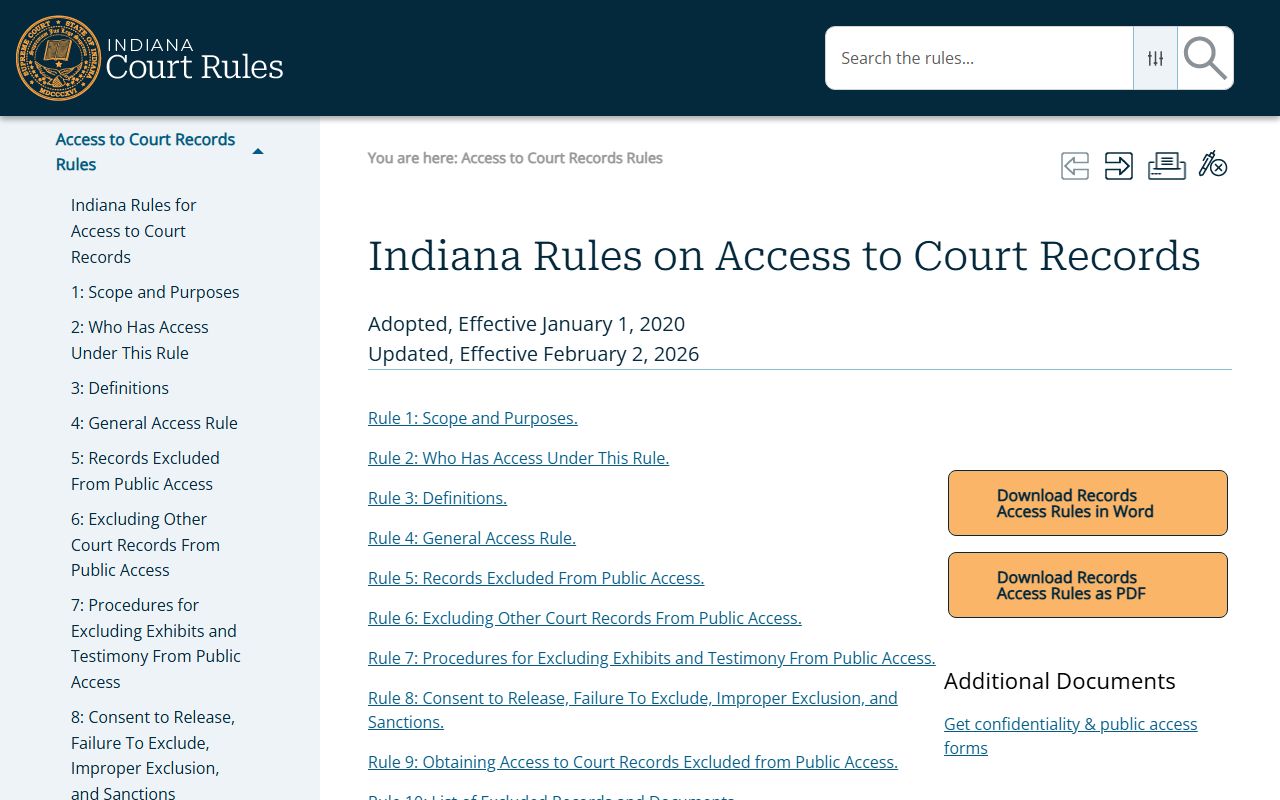
Rules 5, 6, and 9 cover excluded records, the process to exclude a record, and remote-access limits.
Records That Are Sealed or Confidential in St. Joseph County
Several record types are shielded from the public. Juvenile delinquency and CHINS files fall under Indiana Code § 31-39. Adoption files are confidential. Sealed and expunged criminal records under Indiana Code § 35-38-9 drop out of public background searches once a court grants the petition.
To view a sealed file with a legal reason, you petition the court that holds it, serve the parties the rule requires, and may attend a hearing. The judge decides, not the Clerk. Social Security numbers, account numbers, and protected addresses stay redacted even on open cases.
The Indiana Office of Court Services supports trial-court administration and self-help. Learn more on the Indiana Office of Court Services page.
That office is also where many statewide court forms and litigant resources live.
In-Person Court Record Requests
When a record is not online, or you need a certified copy, the St. Joseph County Clerk is the office to visit. Bring the case number, a photo ID, and a way to pay the copy fee. Certified copies are the ones courts and agencies accept for legal use, so ask for certification when you need it.
St. Joseph County Clerk
County-City Building
227 West Jefferson Boulevard
South Bend, IN 46601
Confirm the current counter hours on the official Clerk page before you go, since downtown court offices can change their public hours.
Older and Offline St. Joseph County Court Records
MyCase does not reach back to the start of every court. Older St. Joseph County cases may not appear online, and some closed files were never imaged for remote access. That does not mean the record is gone. It usually means the file lives with the Clerk or in court storage.
For an old case, contact the Clerk with as much as you can give: the party names, the year the case was likely filed, the court type, and any case number you have. The more detail you bring, the faster the Clerk can find it. Sealed and expunged matters will still be withheld, and very old records may take extra time to retrieve.
For records the county courts do not hold at all, such as federal matters, you would use PACER for the Northern District of Indiana instead of MyCase. The county courts and the federal courts keep separate files, so a name that appears in one system may not appear in the other at all.